
Guide
Getting started
PawOS is the diary for your grooming salon. You open it in the phone browser. Clients do not install anything.
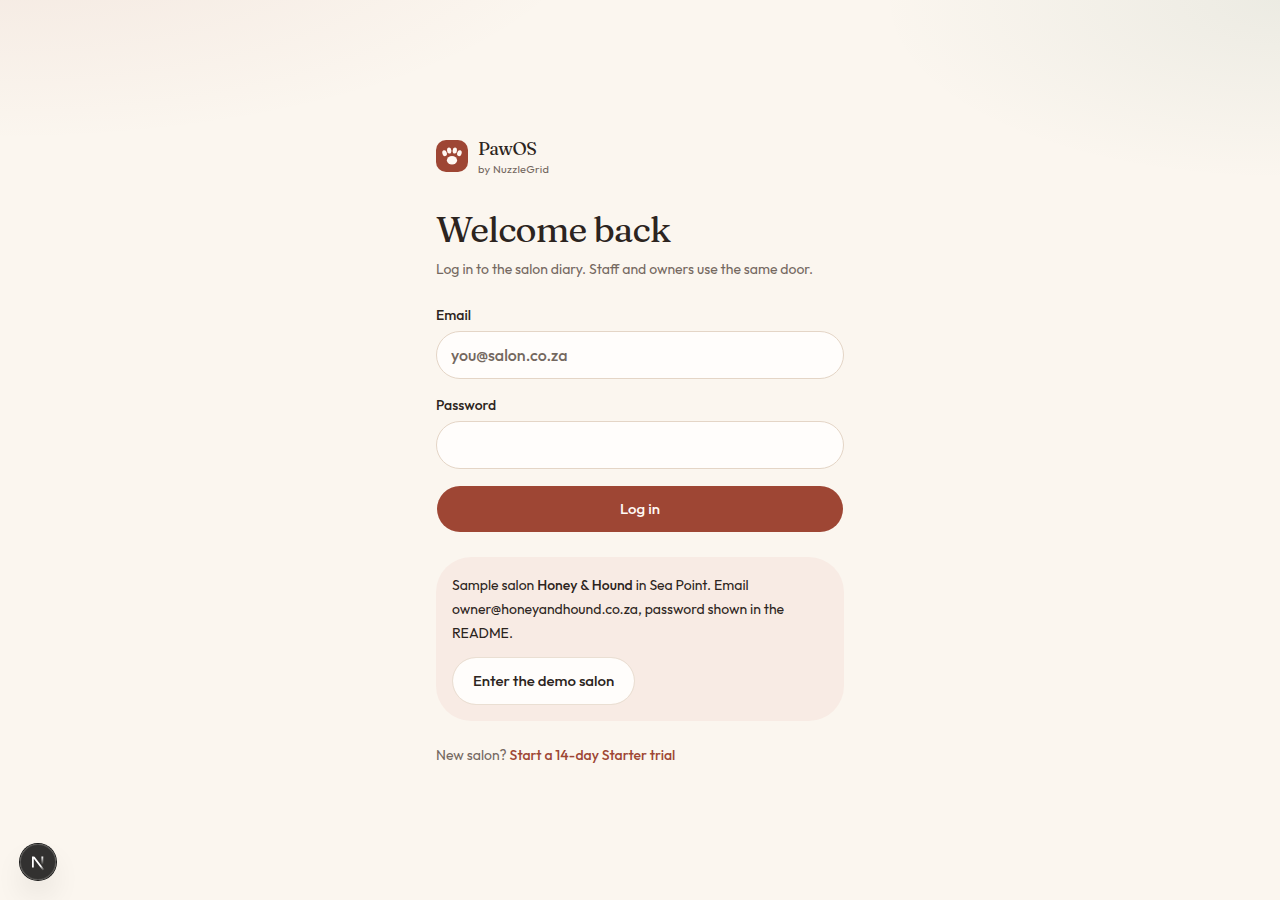
Step 1
Join the waitlist
On the PawOS home page, tap Join the waitlist. Leave your name, the business, and how to reach you. PawOS will write to you about early access. If you already have a login, use Log in.
Step 2
Sign in next time
Use Log in with the same email and password. Staff and owners use the same door. After you sign in you land on Today, which is the home of the diary.
Step 3
Try the sample salon
Honey & Hound in Sea Point is a sample salon for a database you seed on your own computer. It is not on the live site. The sample emails and password are in the project README. On the live site, people who already have a login sign in. New salons join the waitlist.
Step 4
Put PawOS on your home screen
In the phone browser, open the share or menu button and choose Add to Home Screen. The icon opens PawOS like an app. You still need a connection to see today's bookings.
Step 5
If a tap sends you back to log in
Sign in once more from that screen. PawOS remembers the page you wanted. If it keeps happening, refresh the page and sign in a single time before you tap around.