
Guide
Adding staff
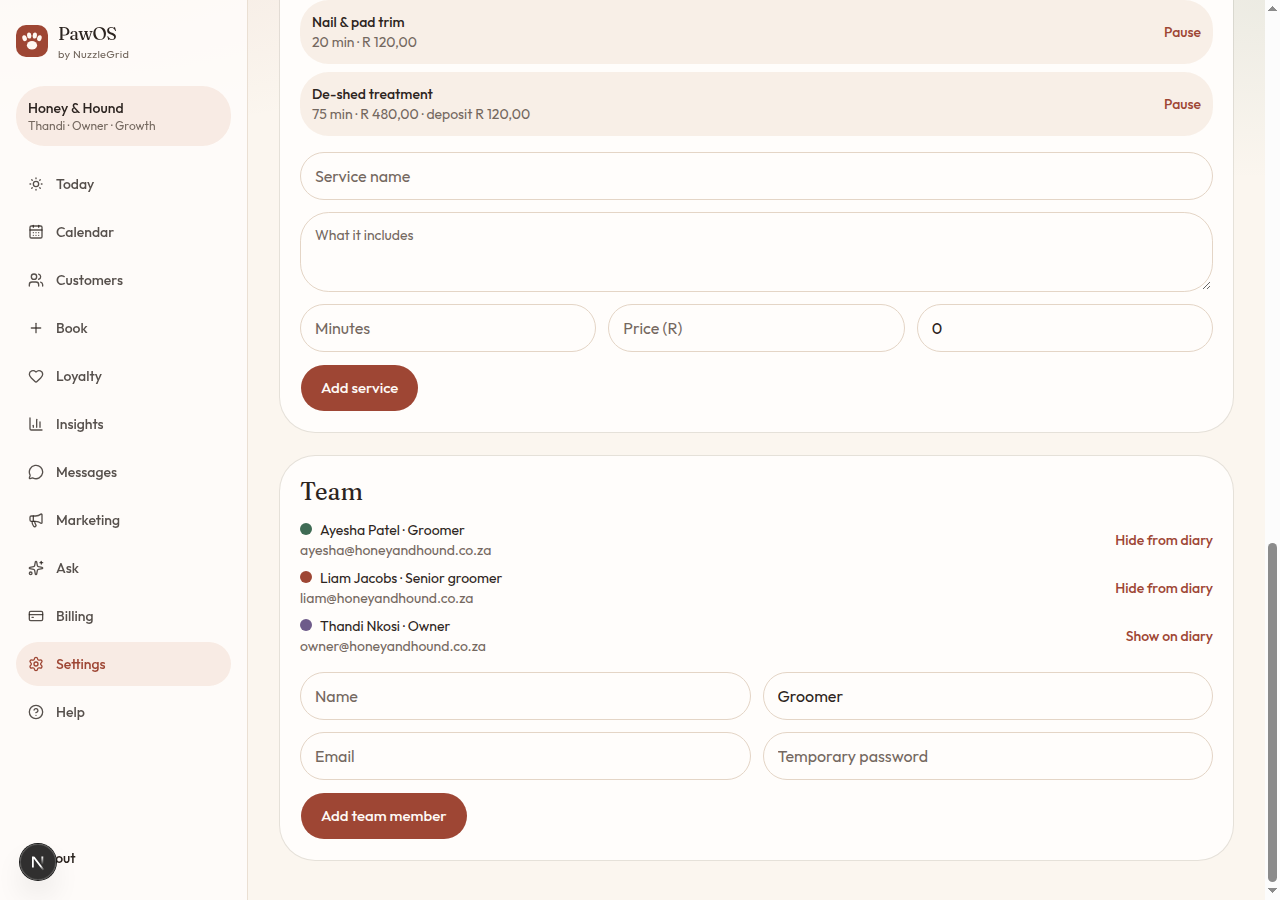
Each groomer gets their own login and a colour on the diary. They only see this salon.
Step 1
Add a team member
In Settings, scroll to Team. Fill in their name, title (Groomer is already there), email and a temporary password of at least 8 characters. Tap Add team member.
Step 2
Tell them how to sign in
They open PawOS, tap Log in, and use that email and password. There is no separate staff app.
Step 3
Show or hide them on the diary
Hide from diary keeps their login but takes them off the booking list. Show on diary puts them back. Use this when someone is on leave.
Step 4
What staff cannot do
Staff can work the diary, clients and pets. Billing, credits, marketing sends and deleting a client's file are for the owner.